Introduction
This article is about the jDownloads Search. It is a search specific to jDownloads - it is not a Joomla Search .
A separate article is available for Joomla! Smart Search (opens in a new window/tab) in use with searching jDownloads.
The jDownloads Search allows searching for Downloads that meet user specified criteria. You can either search all Downloads or just those in a choosen Category.
A separate article is available for Joomla! Smart Search (opens in a new window/tab) in use with searching jDownloads.
The jDownloads Search allows searching for Downloads that meet user specified criteria. You can either search all Downloads or just those in a choosen Category.
Searching
Searching is initiated from the Front End, when showing Downloads by using a Menu item such as  by either clicking on the search button
  or by creating a jDownloads Search Menu item.
For more details see create a menu item (opens in a separate page/tab).
by either clicking on the search button or by creating a jDownloads Search Menu item.For more details see create a menu item (opens in a separate page/tab).
Search Criteria
The search form appears as shown opposite. Enter the required search words in 'Search Keyword:'. Note that the search keywords are case insensitive. They may be just a part of a word.
It is probably better to think as each 'word' separated by a space as a 'search string'. So the logic would be:
All words: String1 AND String2 AND String3 ....
Any words: String1 OR String2 OR String3 ....
Exact Phase: treated as one string including spaces.
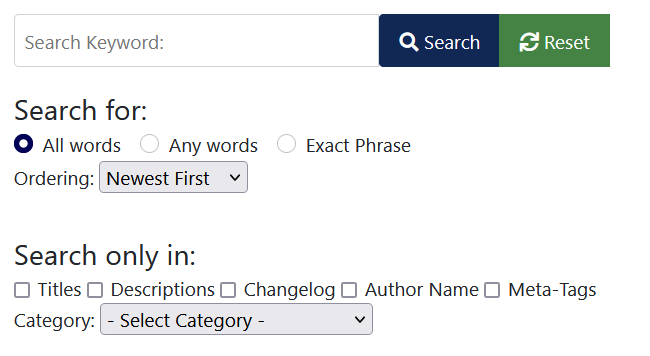
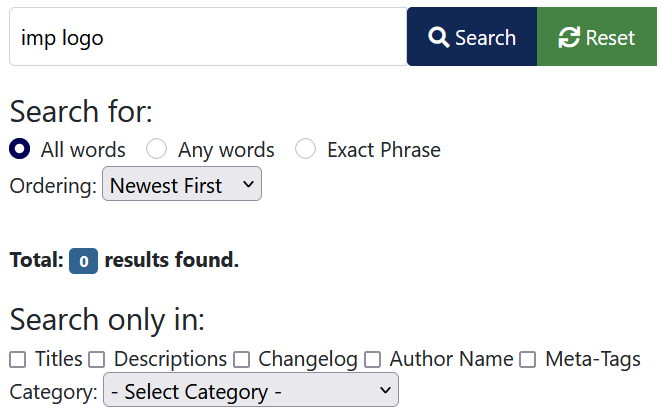
The first image opposite shows an example of using the 'Any words' option specifically with
'imp logo' as the search phrase. That is it searches for anything containing either imp or logo or both words.
Using the same search words but selecting the 'All words' option shows no results as illustrated in the image on the far right. That is there is no item with the string 'imp logo'.
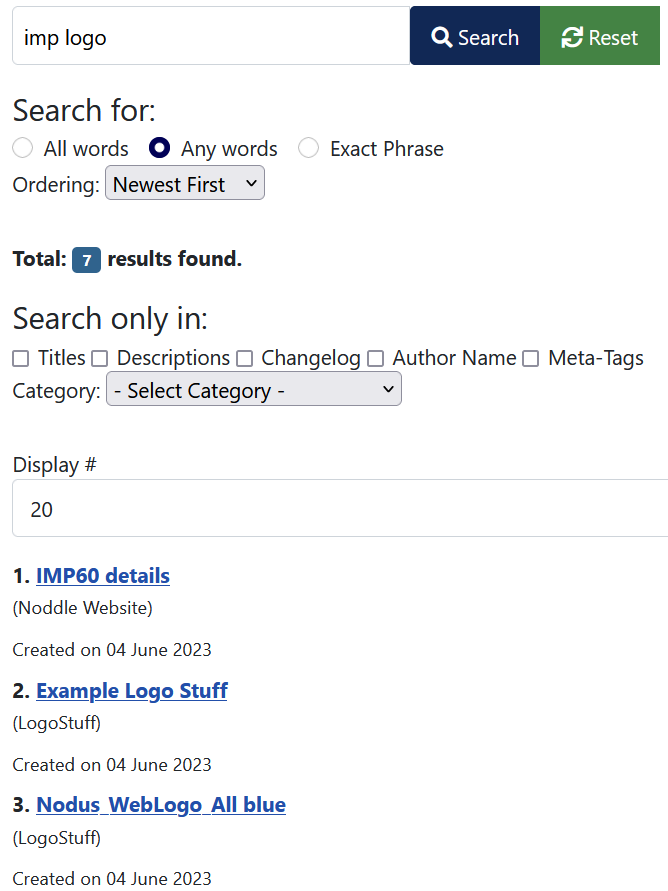
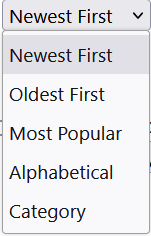
The Ordering pulldown selects the order in which the search results are shown.
Note that here the 'Category' option is an ordering of the Downloads by their containing categories.
The 'Search only in' is a multi selection option. That is searching may be any combination of one or more of 'Download title', 'Short Description', 'Long Description', 'Changelog', 'Author Name' and 'Meta-Tags'.
For example one could use the selection
For example one could use the selection
As an example my test site has a Download with the title 'UploadType01', and description that contains '7z' and with author 'ColinM' so setting the 'Seach Only In' option to gave one result result as shown opposite when the 'Search for:' option was set as 'All words'.
Note that the 'name is not actually shown.
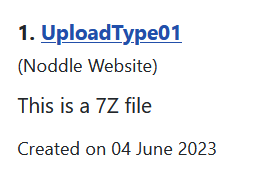
gave one result result as shown opposite when the 'Search for:' option was set as 'All words'. Note that the 'name is not actually shown.
The Select Category pulldown option  limits, when set, the search to just a single Category. By design It does not show any results from subcategories of the selected Category.
limits, when set, the search to just a single Category. By design It does not show any results from subcategories of the selected Category.Search Results Ordering
When searching, jDownloads will report how many Downloads meet the search criteria.
If a particular search string is found multiple times in the same Download it only counts once in the total found.
If a particular search string is found multiple times in the same Download it only counts once in the total found.
Example
In this example there were two matching downloads.
The view on the right is the 'summary' whilst the view below is the result list of matching Downloads appended to the search.
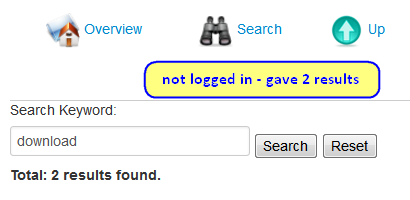
If using the default Search template then Clicking on the names in blue will take the user to the specific download.

Using the same search when logged in may produce more results.
Some Downloads are visible for everyone, that is they have the Access Level set to Public.
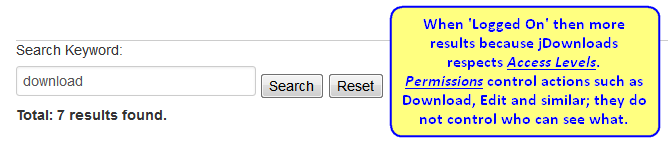
Some Downloads are visible for everyone, that is they have the Access Level set to Public.
Others have a different Access Level so those user groups will see those with their restricted Access Level as well of all of those of other user groups to which they have an implied membership.
Each Download title becomes a link, either directly or indirectly, to the Download. What happens when clicking on the link depends on the Front End option settings. See Front End Options (opens in a separate page/tab). for more details.
ColinM Rewritten Feb 2019, revised August 2020, updated February 2022, July 2023, May 2025, June 2026 -AA



