Introduction
Showing permissions of multiple categories and downloads in a visual form is very useful in tracking down possible problems. Joomla! includes a method to show the permissions for individual user groups.
Select User Group
On the main Joomla  panel click on
  and then on
  .
.
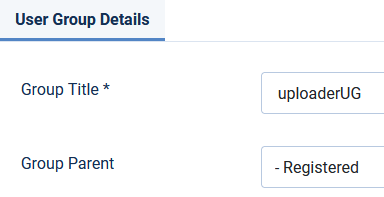
Clicking on a user group Title will show the User Group details as illustrated below.
 If you click on the show assets
  button in the Permissions column for the relevant user group it shows the permissions based upon 'Assets'.
This is a very extensive table. Using it with the aid of its Search facilities is discussed in more detail later.
Note: If you go to Users and select Manage then you can see a similar 'Advanced Permissions Report' link to show the permissions for an individual user.
Which one you use depends on whether it is an Asset, such as a particular Category, or a User that is causing a 'challenge'.
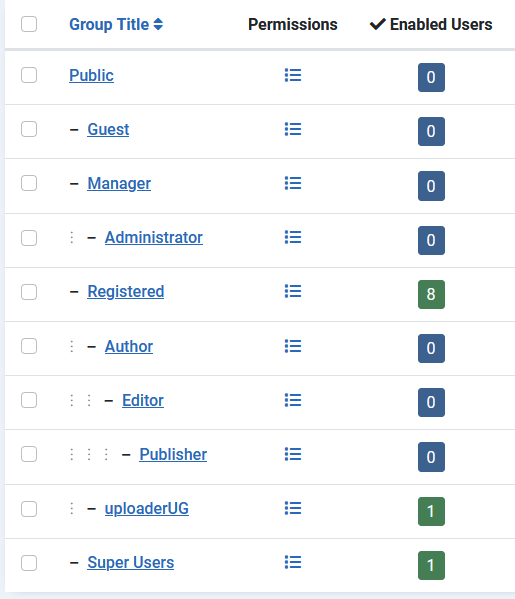
panel click on and then on .Clicking on a user group Title will show the User Group details as illustrated below.
If you click on the show assets button in the Permissions column for the relevant user group it shows the permissions based upon 'Assets'.This is a very extensive table. Using it with the aid of its Search facilities is discussed in more detail later.
Note: If you go to Users and select Manage then you can see a similar 'Advanced Permissions Report' link to show the permissions for an individual user.
Which one you use depends on whether it is an Asset, such as a particular Category, or a User that is causing a 'challenge'.
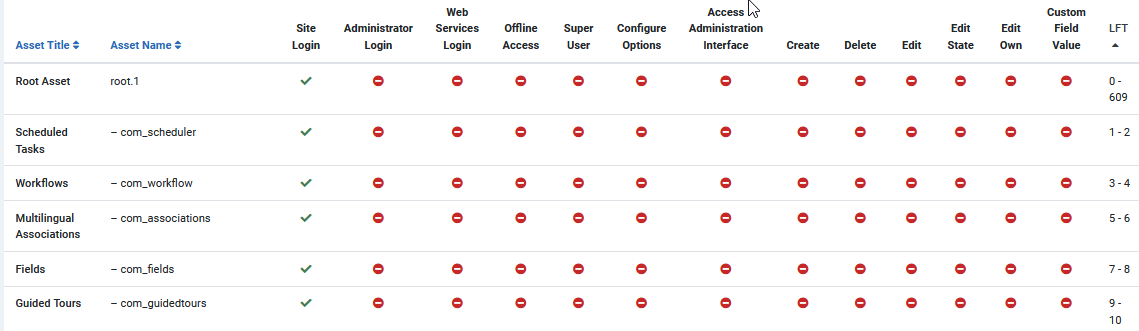
The resultant report will show the permissions for all components and for all items in each component. As shown below, this can be too much information!
Select jDownloads
At the top of the report after clicking on the  you can you can limit the report to a specific component, and also select the start and end levels. Because jDownloads starts with a lower case 'j' it is often at the bottom of the list.
you can you can limit the report to a specific component, and also select the start and end levels. Because jDownloads starts with a lower case 'j' it is often at the bottom of the list. After selecting the Uploader User Group
and then setting Search tools as indicated opposite gave a view as shown below.
and then setting Search tools as indicated opposite gave a view as shown below.
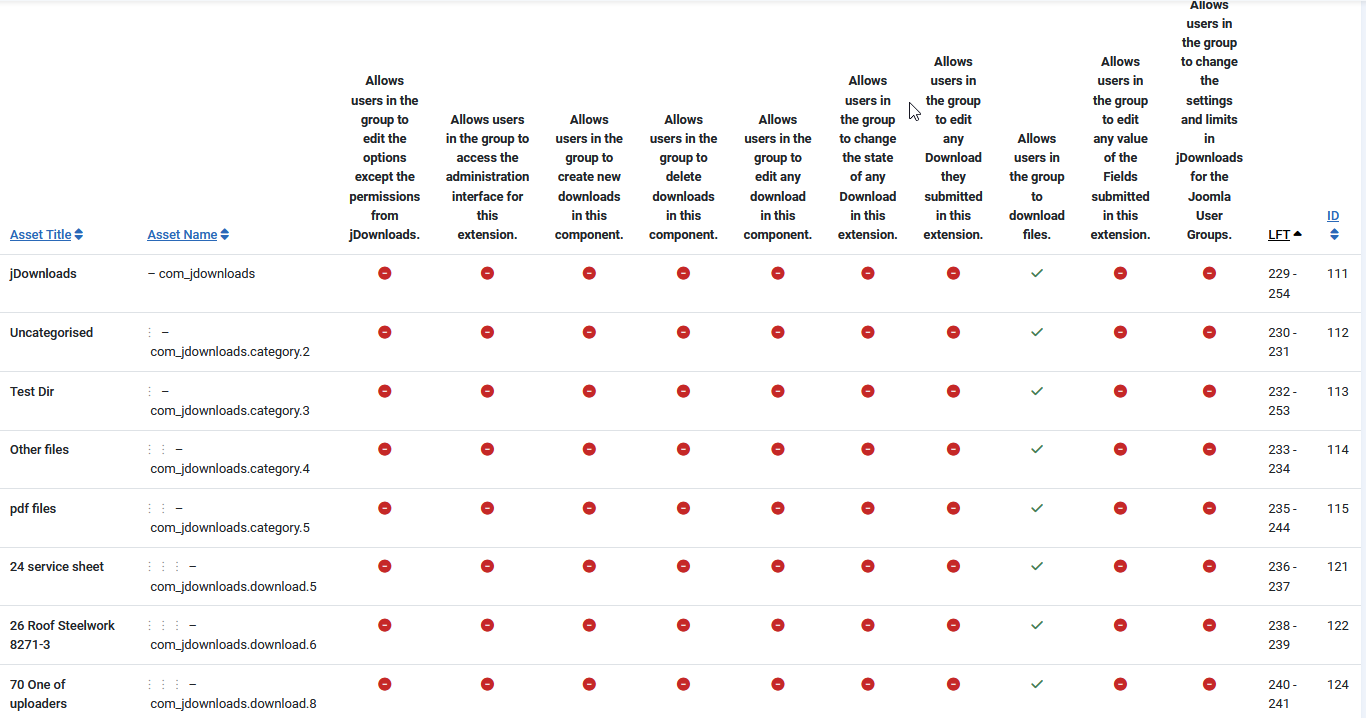
Recall that in jDownloads the permissions 'flow down' from a Top level category on to its sub-categories and their Downloads.
In this example there had been a problem that Downloads in the 'LoggedOnDownloads' Category and its sub-categories could be deleted but not published! As shown in the report above instead of Edit State permission being allow, Delete permission had been given.
In this example there had been a problem that Downloads in the 'LoggedOnDownloads' Category and its sub-categories could be deleted but not published! As shown in the report above instead of Edit State permission being allow, Delete permission had been given.
ColinM - Rewritten September 2019 Modified July 2023 March 2025 May 2025



