
Example Layout Views
Introduction
This article shows views of how the various layouts appear in the front-end. It is divided into sections as listed below.
- Categories
- Subcategories
- Category
- Downloads
- Download Details
- Summary
Categories
There are four categories layouts: Categories Example with 2 columns v3.9, Categories Example with 4 columns v3.9, Standard Bootstrap 5 Grid Categories Layout v4.1 and Standard Categories Layout v3.9
Categories Example with 2 columns v3.9

Categories Example with 4 columns v3.9
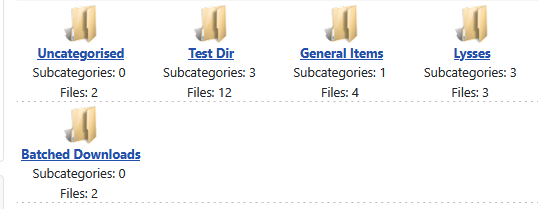
Standard Bootstrap 5 Grid Categories Layout v4.1

Standard Categories Layout v3.9

SubCategories
There are three Subcategories Layouts.
Multi-Column Subcategories Layout v3.9I

Standard Bootstrap 5 Subcategories Layout - Multiple Column List v4.1
Standard Subcategories Layout v3.9
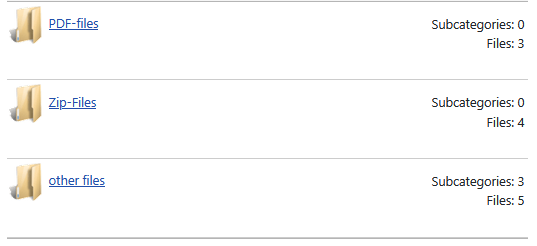
Category
There are two Category Layouts, they are very similar to each other.
Standard Bootstrap 5 Category Layout - Full Details v4.1

Standard Category Layout v3.9
Downloads
There are eleven Download Layouts
Alternate Files Layout v3.9
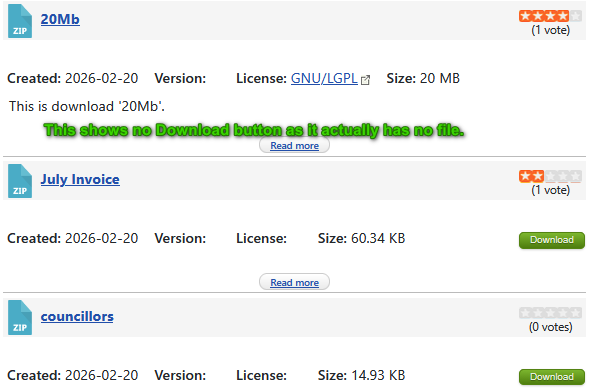
Compact Files Layout v3.9
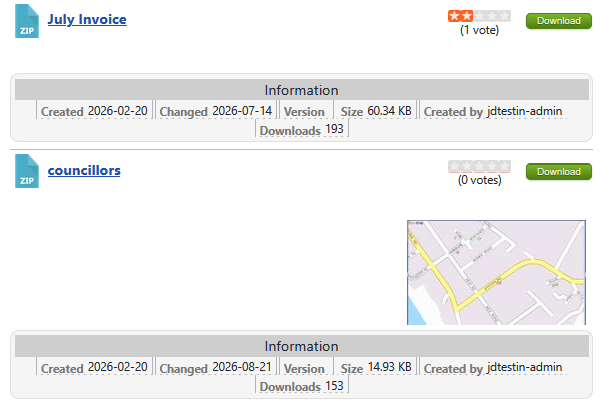
Compact Files Layout with Checkboxes v3.9
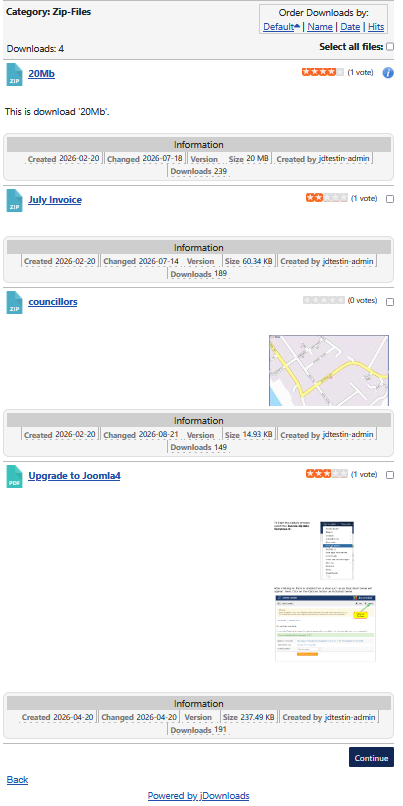
Files Layout Full Info v3.9
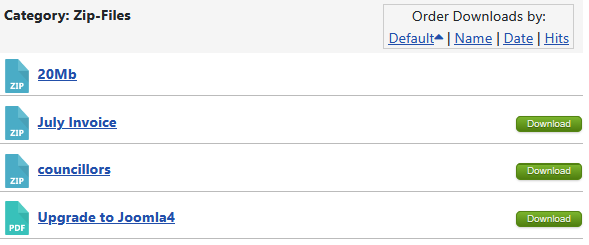
Files Layout Single Line v3.9
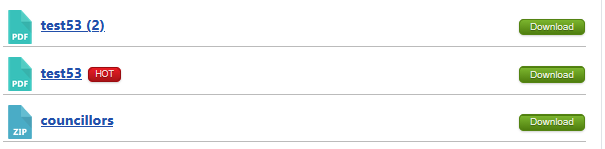
Files link only v3.9
Standard Bootstrap 5 Files Layout - Minimal Compact v4.1
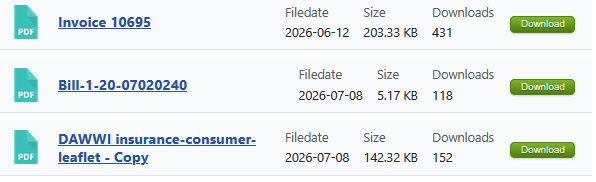
Standard Bootstrap 5 Files Layout - Minimal Compact with Checkboxes

Standard Files Layout v3.9
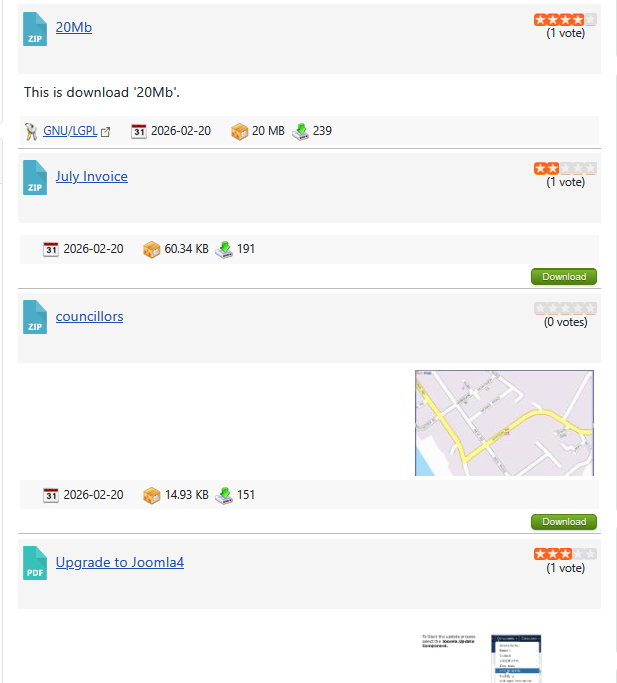
Standard Files Layout with Checkboxes v3.9

Standard Files Layout without Checkboxes v3.9
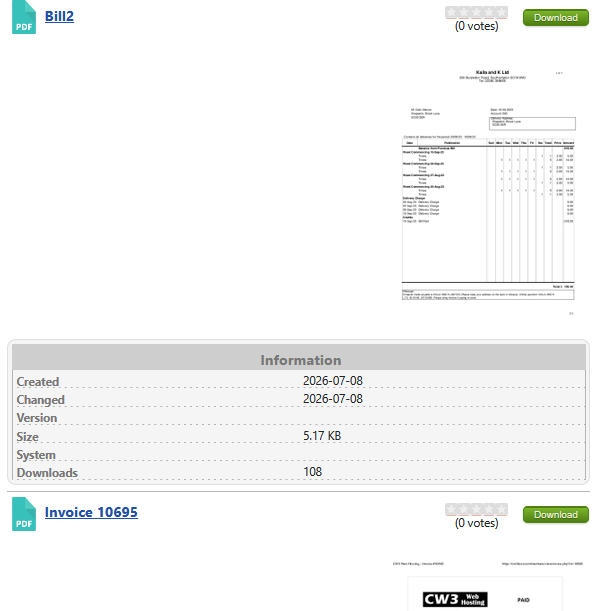
Download Details
There are six Download Details Layouts
Example Details Layout v3.9
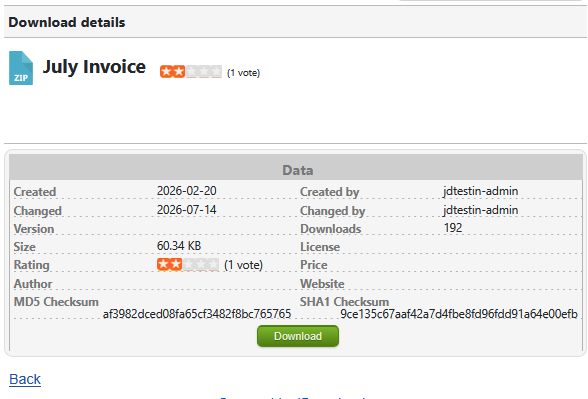
Example Details Layout with Tabs v3.9
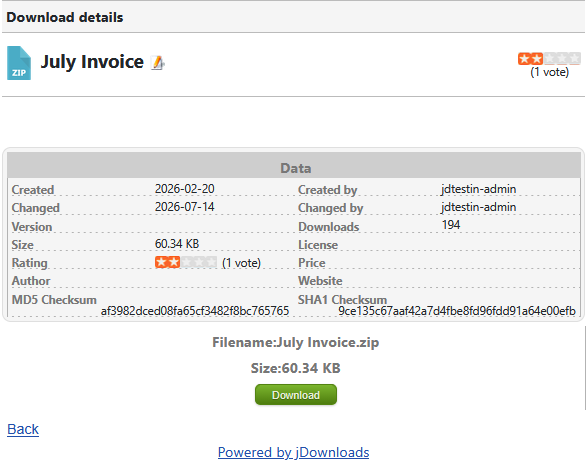
Standard Bootstrap 5 Modal Gallery Details Layout v4.1
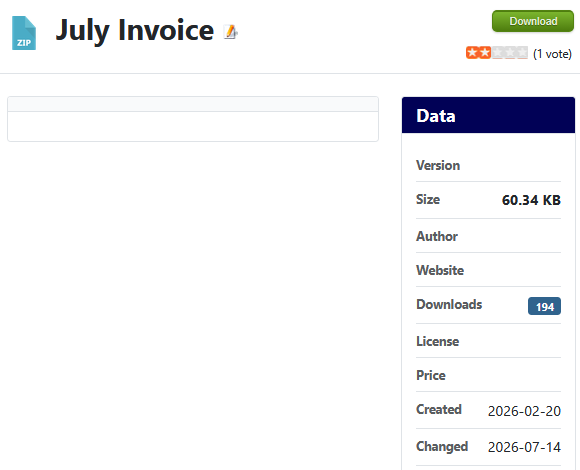
Standard Details Layout - Full Info (with Related Module) v3.9
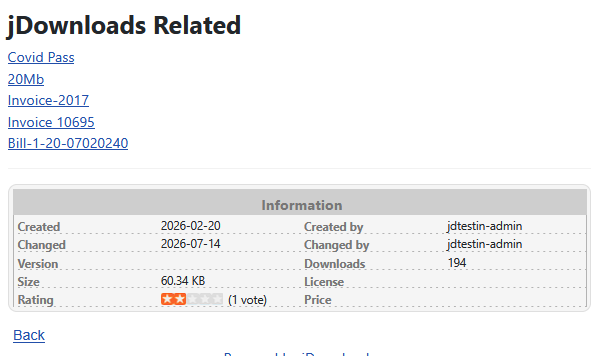
Standard Details Layout - Full Info v3.9
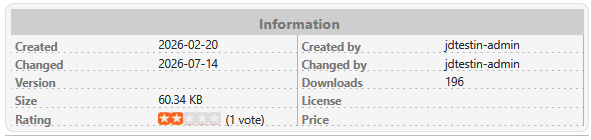
W3 CSS Layout: Two-Column - Blue Header v3.9

Summary
There are two Summary Layouts, basically they show the same view.
Standard Bootstrap 5 Grid Summary Layout v4.1

Standard Summary Layout v3.9

Colinm May 2026-AA
